No-Shows Aren't Inevitable: A Simple Confirmation Flow That Actually Works
No-shows aren't just "how it is" — they're usually a workflow problem. A simple confirmation flow (with the right timing and an easy reschedule path) can cut no-shows dramatically without sounding strict or salesy. Here's a practical setup you can copy today.
 The FrontSail AI team4 min read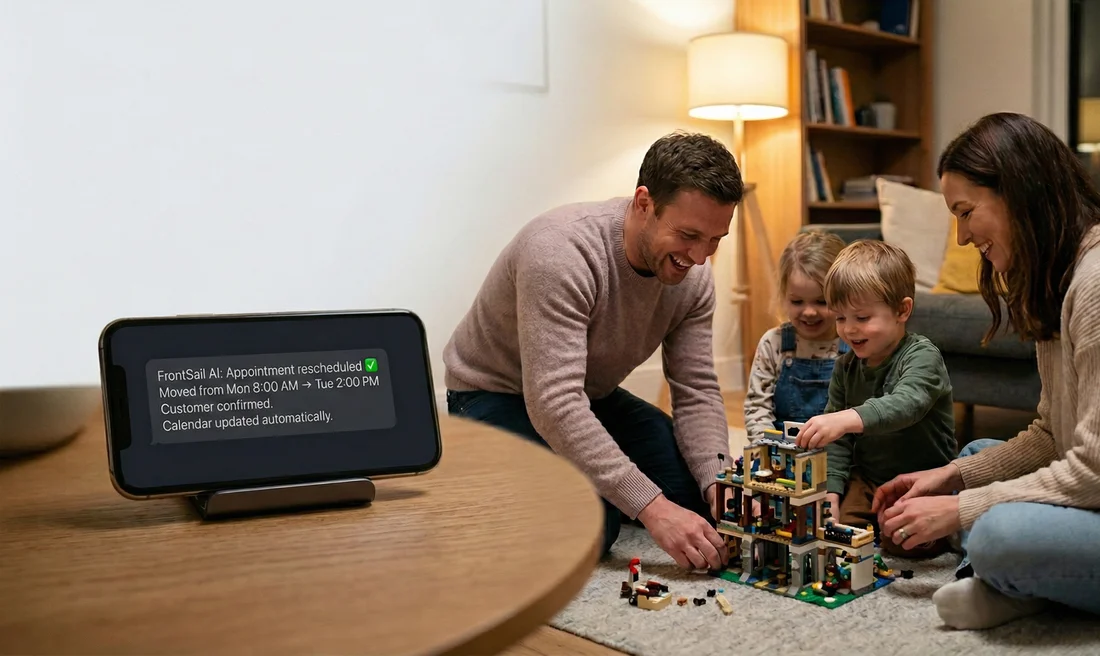
If you run a service business, you’ve probably heard some version of this:
“People just don’t show up. It’s part of the job.”
But when we talk to owners, what we usually find is: no-shows are predictable — and preventable — when the customer experience is unclear.
Most no-shows happen for one of three reasons:
- They forgot (busy life, calendar chaos)
- They’re unsure what to expect (where to go, how long it takes, what to prepare)
- They needed to reschedule but the path was annoying, so they ghosted
The fix isn’t “more reminders.” It’s a flow that does two things well:
- Confirms commitment
- Makes rescheduling painless
Below is a simple confirmation flow that works across home services, clinics, and appointment-based SMBs.
The confirmation flow (copy/paste)
Step 1 — Right after booking: confirm + set expectations
Goal: Make the appointment feel real and remove uncertainty.
Send a confirmation immediately (SMS is best; email is fine as backup):
Template
You’re booked ✅ {Day}, {Time} for {Service}.
Address: {Address}.
Reply YES to confirm, or R to reschedule.
Why this works:
- “Reply YES” creates a small commitment.
- “R to reschedule” removes friction and prevents ghosting.
Step 2 — 24–48 hours before: remind + make rescheduling easy
Goal: Catch schedule changes early enough to refill the slot.
Template
Quick reminder: you’re booked for {Day} at {Time}.
Reply YES to confirm. Need to change it? Reply R and we’ll send options.
If your appointments are short notice (same-day service), make this the night before.
Step 3 — Day-of: short “we’re on track” ping
Goal: Reduce “I totally forgot” no-shows.
Template (appointments)
See you today at {Time}. If you need to reschedule, reply R.
Template (field service / arrival window)
Today’s visit is scheduled for {Window}. Reply R to adjust or HELP with questions.
Keep it short. Don’t guilt people. Just give a clear path.
Step 4 — If they reschedule: route them into a clean path (no back-and-forth)
Goal: Save everyone time and keep the customer feeling supported.
Minimum viable reschedule path:
- Ask for two preferred windows
- Confirm the new time
- Send a new “Reply YES to confirm” message
Template
No problem — what works better?
- {Option A}
- {Option B}
Reply 1 or 2 (or send a preferred time).
This prevents endless ping-pong while still feeling human.
Policy language that doesn’t annoy customers
Policies work best when they’re:
- stated early (at booking, not after a no-show)
- short
- framed as protecting time (theirs and yours)
Gentle but clear no-show policy (example)
We reserve time just for you. If you need to reschedule, please let us know at least {X} hours in advance so we can offer the spot to someone else.
Add a fee (only if you actually enforce it)
Missed appointments or last-minute cancellations (under {X} hours) may be subject to a {fee / deposit forfeiture}.
Key rule: if you won’t enforce it, don’t say it.
When deposits actually make sense (and when they don’t)
Deposits can reduce no-shows, but they can also reduce bookings if used too aggressively.
Deposits tend to work best when:
- the slot is long (e.g., 60–120 minutes)
- you’re turning away other customers
- prep work or materials happen before the visit
- it’s a high-demand schedule
If you’re early-stage or highly competitive, try the confirmation flow first. Often, clarity + easy rescheduling gets you most of the benefit without adding friction.
The hidden win: rescheduling is operations gold
A rescheduled appointment isn’t a loss — it’s a saved slot.
When rescheduling is easy:
- customers don’t ghost
- your calendar stays fuller
- your team wastes less time
- you get fewer awkward “where are you?” calls
And this is one of the best use-cases for a virtual receptionist: customers can reschedule any time, including after-hours, without waiting for someone to pick up.
Curious, but cautious? Start with a low-risk setup.
Book a quick call and we'll map an after-hours confirmation/reschedule flow for your business (plus the checklist).
Book a Quick Call