The High-Converting Intake Script: What to Ask in the First 90 Seconds
Most missed bookings don't happen because your work isn't good — they happen because the first call is messy. Here's a high-converting intake script you can use in the first 90 seconds, plus why each question matters.
 The FrontSail AI team5 min read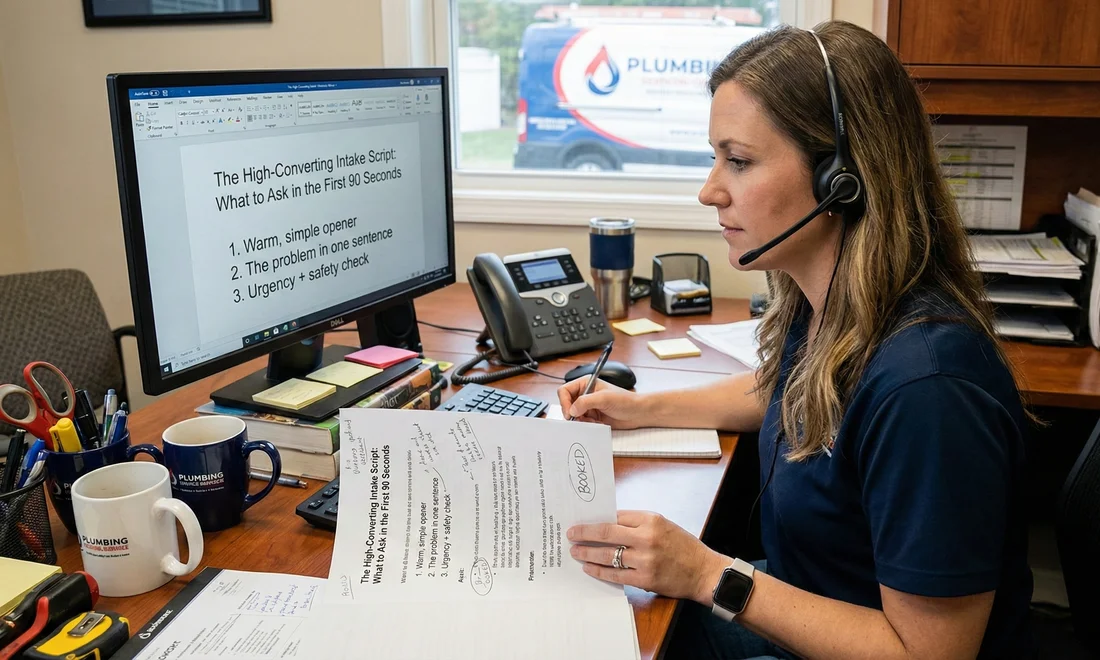
If you run a service business, you’ve probably had this experience:
- A caller explains their situation… but it’s scattered.
- You ask a few questions… but you’re also trying to be polite and move fast.
- You hang up… and later realize you’re missing key info (or the caller never books).
When we talk to business owners, we hear this a lot:
“We’re good at the work. We’re not always consistent on the phone.”
That’s normal. You’re busy. And the phone is chaotic.
The fix isn’t a “sales script.” It’s a simple intake flow that does three things:
- makes the caller feel heard,
- collects the info you actually need,
- sets clear next steps.
Here’s a script we like for the first 90 seconds.
The 90-second intake script (copy/paste)
1) Warm, simple opener (5 seconds)
Goal: Make it easy for the caller to talk.
“Thanks for calling — how can I help today?”
If they start rambling (totally normal), you can gently guide:
“Got it. I’m going to ask a couple quick questions so we can help you faster.”
Why it matters: it signals structure without sounding pushy.
2) The problem in one sentence (10-15 seconds)
Goal: Get a clear “headline” so you can route it correctly.
“What’s the main issue you’re dealing with?”
Optional follow-up if needed:
“When did this start?”
Why it matters: you’re reducing the problem to something actionable. This improves booking, dispatch, and callbacks.
3) Urgency + safety check (10 seconds)
Goal: Avoid bad outcomes and set expectations.
Pick the version that fits your business:
-
For home services:
“Is anything leaking, sparking, or creating a safety issue right now?”
-
For clinics/appointments:
“Is this urgent, or are you looking to book the next available time?”
Why it matters: callers trust you more when you show you’re thinking about safety and urgency. Also helps you prioritize.
4) Location + service area (10 seconds)
Goal: Don’t waste time if it’s out of area.
“What’s the address or postal code for the job?”
Why it matters: many businesses lose time on calls they can’t serve. This keeps it professional and fast.
5) Contact details (10 seconds)
Goal: Make sure you can follow up.
“What’s the best name and number to reach you if we get disconnected?”
Why it matters: dropped calls happen. This saves deals.
6) The “booking unlock” question (15-20 seconds)
Goal: Move from “chatting” to “next step.”
Choose one:
-
If you offer estimates:
“Would you like to book a time for an estimate, or do you want a quick callback first?”
-
If you dispatch directly:
“Do you want the earliest available, or a specific day/time that works best?”
Why it matters: this is where most calls stall. You’re giving two easy options that both move forward.
7) One detail that prevents surprises (10-15 seconds)
Goal: Reduce “gotchas” that create cancellations or failed visits.
Pick one based on your business:
- “Is this a house, condo, or commercial location?”
- “Is there parking/access we should know about?”
- “Is it a new install or a repair?”
- “Any photos you can text us?”
Why it matters: fewer surprises = fewer reschedules = happier customers.
What this script does (without sounding salesy)
A good intake call isn’t about “closing.” It’s about making the caller feel like:
- “They understand my problem.”
- “This is organized.”
- “I know what happens next.”
Most callers don’t want a pitch. They want clarity and progress.
This script creates that.
Common mistakes we see (and how to avoid them)
Mistake #1: Asking too many questions too early
If the caller feels interrogated, they bounce.
Fix: ask only what you need to route + book. Everything else can wait.
Mistake #2: No clear next step
The call ends with “Okay, we’ll see…” and the job disappears.
Fix: always end with one of:
- booking a time,
- confirming a callback window,
- sending a quote/estimate process.
Mistake #3: Trying to sound like a “salesperson”
It feels fake and people resist.
Fix: be direct, helpful, and structured. That’s what converts.
How FrontSail AI fits in (if you want to systematize this)
One reason businesses like a structured intake script is it makes the phone repeatable.
FrontSail AI is built to help you:
- capture the same key details every time,
- notify you when there’s a new lead/message,
- and (later) let you review calls (audio + transcripts) and see trends over time (when customers call, what they ask, which issues come up most).
But even if you do this manually, the script works.
Download the scripts
Want these scripts in a format you can hand to your team or paste into your phone system?
Want us to tailor these scripts to your business?
At FrontSail, we're building an AI-first phone receptionist to help local service businesses answer more calls and turn conversations into booked work.
We'll do a free 15-minute call where we review your current intake process and customize these scripts for your specific business.